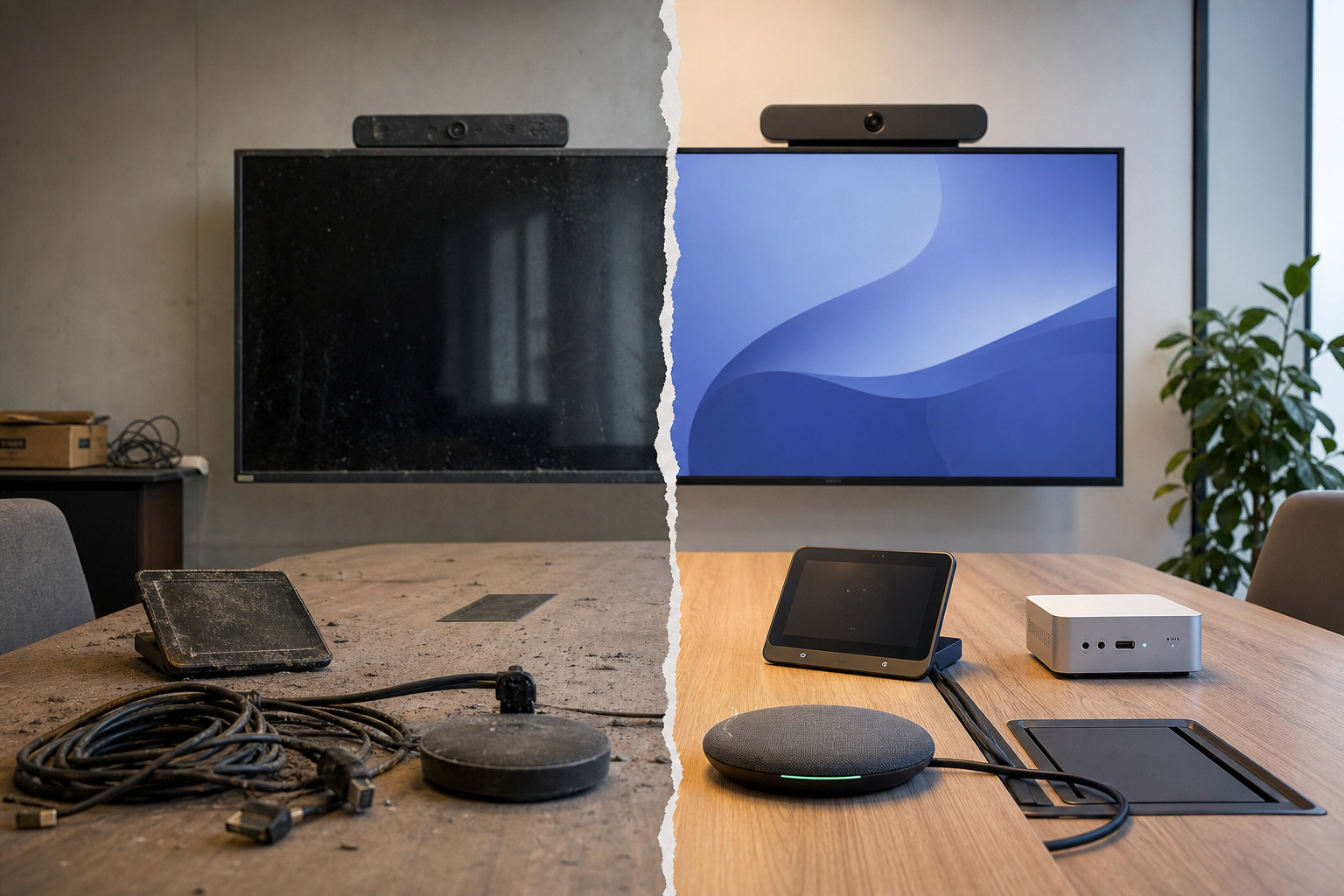
A Teams Rooms device can be “working” and still be out of plan.
Microsoft now explicitly supports and recommends Windows 25H2 for Teams Rooms on Windows, while Windows 10 support for those devices ended on 2025-10-14. In practice, that means the room endpoint is no longer just an AV appliance with a calendar login. It is a Windows workload with a support clock attached.
The operational trap is assuming room rollout ends at install. It does not. The Teams Rooms app can also delay or gate Windows feature updates until a compatible app release is available, which turns the app into part of the change-control path. That is a different problem from ordinary desktop patching.
A useful decision rule is this: if you cannot answer “what Windows version this room runs, who approves the next feature update, and what happens if the app lags the OS,” the room is not fully operationally owned.
A concrete example: a room that still runs Windows 10 may keep placing calls, but it is now in an end-of-support state. The choice is upgrade to Windows 11, align on 25H2, or replace the device. Waiting for the next refresh cycle just defers the risk.
For collaboration teams, the lesson is simple. Treat room endpoints as a managed lifecycle, not a fixed install. The failure mode is not dramatic; it is drift.